
Staying organized on Facebook can feel like a chore, especially when you’re trying to find specific activities or posts from the past. With over 2.8 billion active users monthly, Facebook’s Activity Log is an essential tool for managing your social media account.
This post walks through how to navigate your Facebook Activity Log effectively, so you can find old posts, review what’s tied to your account, and keep your digital footprint organized on both desktop and mobile.
Key Takeaways
- Accessing the Facebook Activity Log is easy, either on desktop or mobile.
- Users can search for past posts using keywords or phrases in the activity log.
- Browsing by year allows users to quickly find specific posts from a certain time period.
- Utilizing filters such as date range, post type, and people involved helps narrow down searches in the activity log.
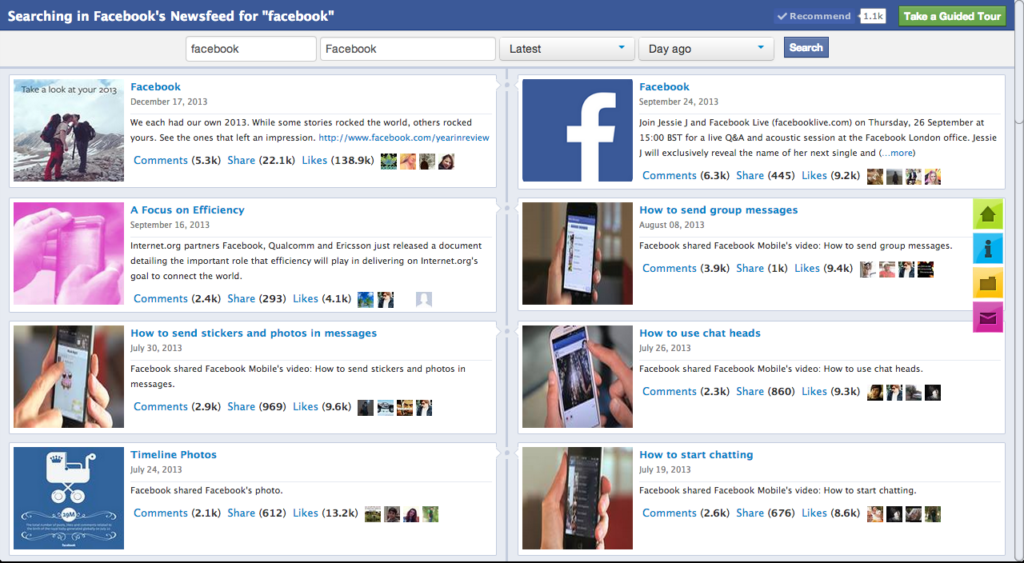
How to Access Your Facebook Activity Log on Desktop and Mobile
To access the Facebook Activity Log on the desktop, click on the drop-down arrow at the top right corner of your profile, then select “Activity Log” from the menu. On the mobile app, tap on the three horizontal lines at the bottom right corner of your screen, scroll down, and tap on “Settings & Privacy,” then select “Activity Log.”
Find your Facebook activity log on the desktop
Start by opening Facebook on your desktop and signing into your account. Click the small downward arrow located at the top right corner of your screen. A dropdown menu will appear; from here, select “Activity Log.” This leads you directly to a full list of your Facebook activities, organized so the most recent entries show up first.
It includes posts, comments, reactions, and search history, everything you’ve done on the platform arranged in reverse chronological order.
Find your Facebook activity log on the mobile app
To access your Facebook activity log on the mobile app, open the Facebook app on your smartphone or tablet. Next, tap on the three horizontal lines in the bottom-right corner of the screen to open the menu.
Scroll down and tap on “Settings & Privacy,” then select “Activity Log.” Here, you can view a chronological list of your recent Facebook activity, including posts, comments, likes, and more.
Using this log is straightforward. Scroll through to see all your past actions, or use the search bar at the top to find specific posts or activities. You can also use filters like “Category” or “Year” to narrow your search further.
Searching, Filtering, and Browsing Your Past Posts
To navigate the Facebook Activity Log, users can search for past posts, browse by year, and use filters to narrow down their search, which is faster than scrolling through months of activity by hand.
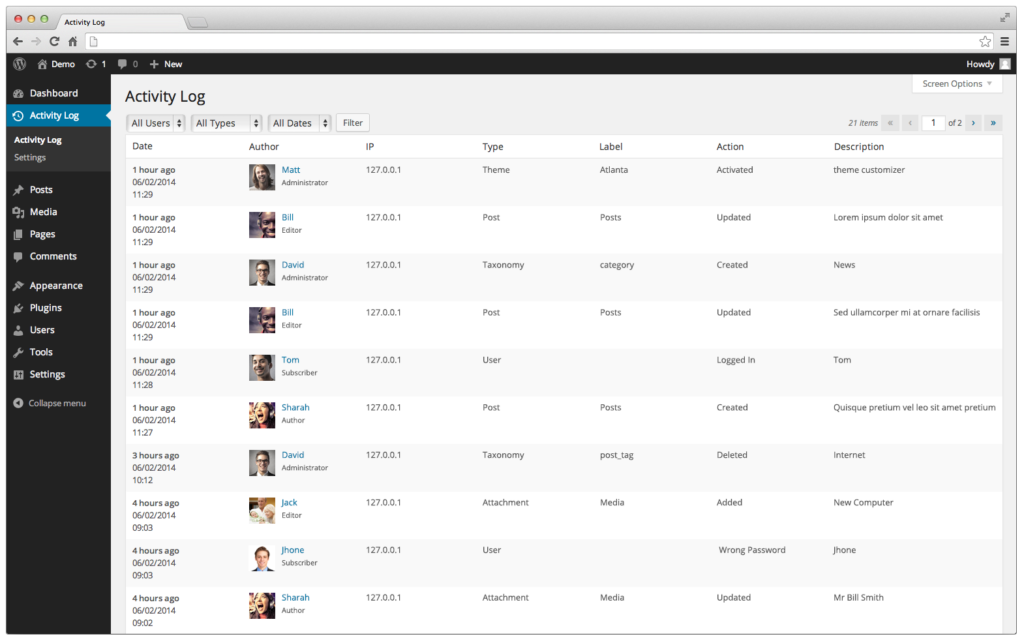
Search for past posts
To search for past posts in your Facebook Activity Log, go to the activity log page on either the desktop or mobile app. Once there, use the search function to find specific posts by typing keywords or phrases related to the content you’re looking for.
This is a helpful feature if you want to revisit an old post or review your past activity on Facebook. Searching for past posts lets you quickly locate and navigate through your history on the platform.
Browse by year
To navigate your Facebook Activity Log by year, select the desired year from the dropdown menu. This lets you quickly browse through your past activity and posts from that particular year.
It’s a useful feature if you want to revisit old memories or find specific posts from a certain time period. You can access and explore your entire Facebook history with just a few clicks, which makes it easy to track your actions and engage with past content on the platform.
Use other filters to narrow down your search
To make it easier to find specific posts or activities in your Facebook Activity Log, you can use other filters to narrow down your search. These filters help you quickly locate content based on different criteria.
For example, you can filter by date range to see all the activity within a certain time frame. You can also filter by post type, such as photos or videos, to focus on specific types of content.
There are also filters available for tagged posts and posts with location information. Using these filters lets you refine your search and quickly find what you need in your Facebook Activity Log.
Beyond date and post type, there are other useful filters in the Facebook Activity Log. You can filter by the people involved in the activity, such as posts from friends or pages that you follow.
This helps when you want to review specific interactions with certain individuals or groups on Facebook. There is also a privacy filter that lets you view only public or private posts depending on your preferences, which is useful if you’re checking what’s visible to people outside your friend list.
Tips for Making the Most of Your Facebook Activity Log
Understand the different options and features, take advantage of the search function, and utilize filters for specific activities.
Understand the different options and features
To make the most of your Facebook Activity Log, it helps to understand the various options and features available to you. One useful feature is the search function, which lets you find specific posts or activities quickly.
You can also browse through your activity log by year, which helps you navigate older content more efficiently. There are also filters that let you narrow down your search based on factors such as people tagged, photos/videos uploaded, and posts shared.
Familiarizing yourself with these different options and features gives you greater control over managing and reviewing your Facebook activity history.
Take advantage of the search function
Use the search function in the Facebook Activity Log to quickly find specific posts or activities. Type in keywords, such as a person’s name or a specific topic, and the search results will display all relevant posts and interactions.
This is particularly useful if you want to locate a specific post from your past or track your engagement on certain topics. The search function saves you time by letting you navigate through your activity history efficiently.
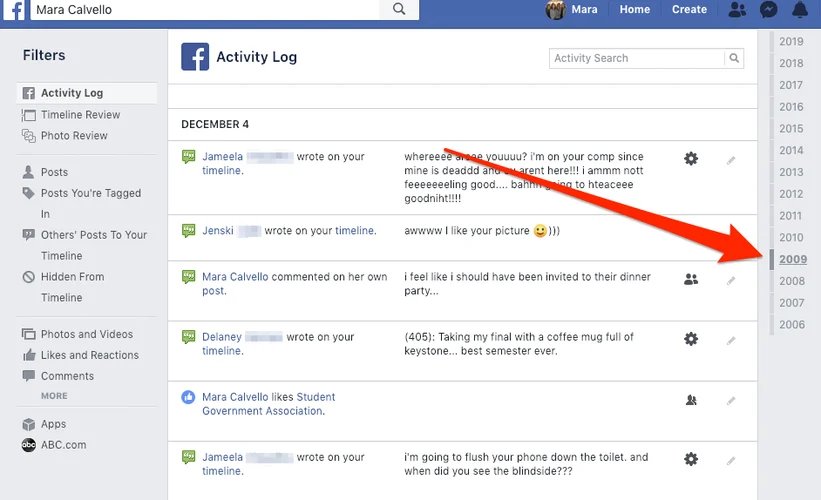
Utilize filters for specific activities
To make searching through your Facebook Activity Log easier, you can utilize filters for specific activities. These filters let you narrow down your search and quickly find the posts or actions you’re looking for.
For example, if you want to review only the photos you’ve been tagged in, use the “Photos” filter to display only those entries. If you want to see all the comments you’ve made on other people’s posts, select the “Comments” filter instead.
Using these filters saves time and lets you navigate through your activity history without getting overwhelmed.
Another helpful filter is the “Date Posted” filter, which lets you browse by a specific date or date range. This is useful when you’re looking for something from a particular time period or trying to remember when a certain event occurred on Facebook.
You can also use filters like “Likes,” “Posts by Others,” and “Events” based on what kind of activity information interests you specifically.
Why Mastering Your Facebook Activity Log Helps Your Social Media Management
Navigating the Facebook Activity Log is a simple and effective way to manage your social media presence. By accessing your activity log on both desktop and mobile devices, you can search for past posts, browse by year, and use filters to narrow down your search.
With these tips in mind, you’ll be able to review and manage your Facebook activity with less effort, whether you’re cleaning up old posts, checking what’s public, or just tracking down something you remember posting years ago.
Frequently Asked Questions
1. What is the Facebook Activity Log?
The Facebook Activity Log tracks your actions on your Facebook profile, including browsing history and Messenger activity.
2. How can I access my Facebook Activity Log?
You can navigate to your activity log through the desktop site or the Android and iPhone apps by going into their privacy settings.
3. Does the Activity Log show everything I do on Facebook?
Your page’s activity log includes most of what you do, but sometimes it may not display everything depending upon various factors like privacy settings.
4. How can use the search function in the Activity Log?
By navigating to your activity log page, you can use its search feature for reviewing posts and tracking specific interactions.
5. Can I see my friends’ recent activities on my Timeline?
Yes! By viewing friends’ recent activity section in your timeline, you will gain insight into their engagements.
6. Can I delete entries from my Facebook Activity Log?
Absolutely! Deleting entries from your activity log helps manage what appears on your timeline and controls who sees specific behavior.
