
Dull, one-way presentations are a common complaint in online events and meetings. Slides With Friends is an interactive slide deck tool built to fix that by giving audiences a real way to participate. It lets you build lively presentations that keep everyone involved rather than just watching, whether the group is a handful of colleagues or a much larger crowd.
Key Takeaways
- Slides With Friends supports online events by giving hosts a platform for building interactive slide decks that keep audiences engaged.
- The software is simple enough that anyone can build a presentation quickly without technical skills. It also offers pre-designed slide decks that save time and make it easy to prepare for events like icebreakers and quizzes.
- Slides With Friends offers multiple pricing options, including a free plan for small groups, so users can pick what fits their needs.
What is Slides With Friends?
Slides With Friends is an interactive slide deck creator built to boost engagement for online events and meetings. It offers a simple platform for creating and sharing interactive slide decks, without a steep learning curve for first-time hosts.
Interactive slide deck creator
Slides with Friends brings energy to online events and meetings as an interactive slide deck creator. The software gives users a solid platform for building presentations that hold an audience’s attention and keep them involved throughout.
Slide decks turn into spaces for icebreakers and team-building activities, thanks to a wide range of ready-to-play game decks. The cloud-based tool is accessible from anywhere through any browser, so there’s little setup required to get a session running.
Whether it’s a company meeting or classroom games, Slides with Friends fits many situations by offering interactive slides designed for each occasion.
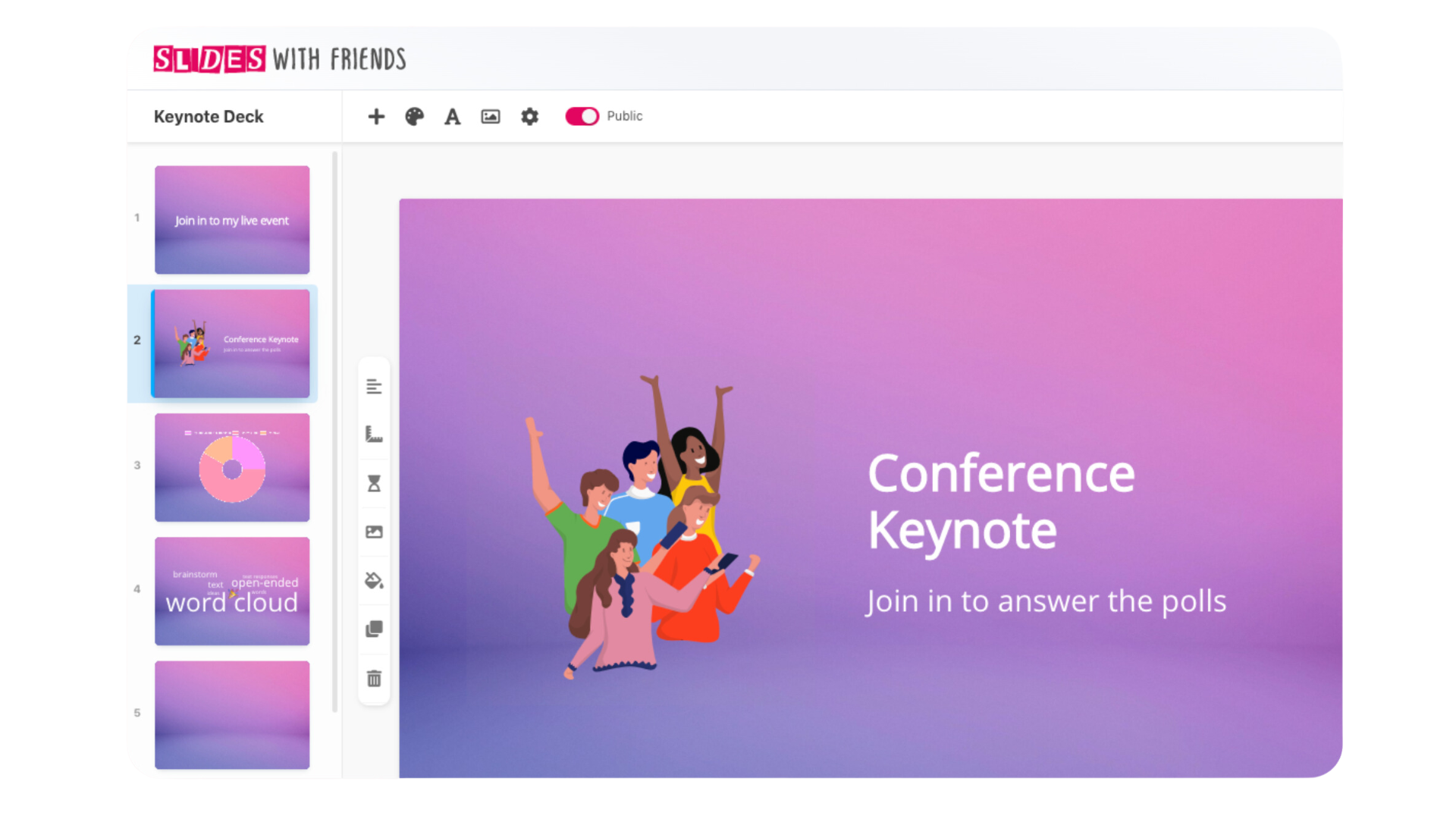
Improved engagement for online events and meetings
Slides with Friends improves remote and hybrid events by raising engagement. Its interactive slide decks bring energy to online meetings, letting everyone participate actively regardless of where they’re joining from.
With features like storytelling, data visualization, and infographic design, presenters can hold an audience’s interest throughout an event or meeting. The platform’s ready-to-play game decks work well as icebreakers for team-building activities in both work and school settings.
As a cloud-based tool accessible through a browser, Slides with Friends supports smooth collaboration for online presentations among all participants.
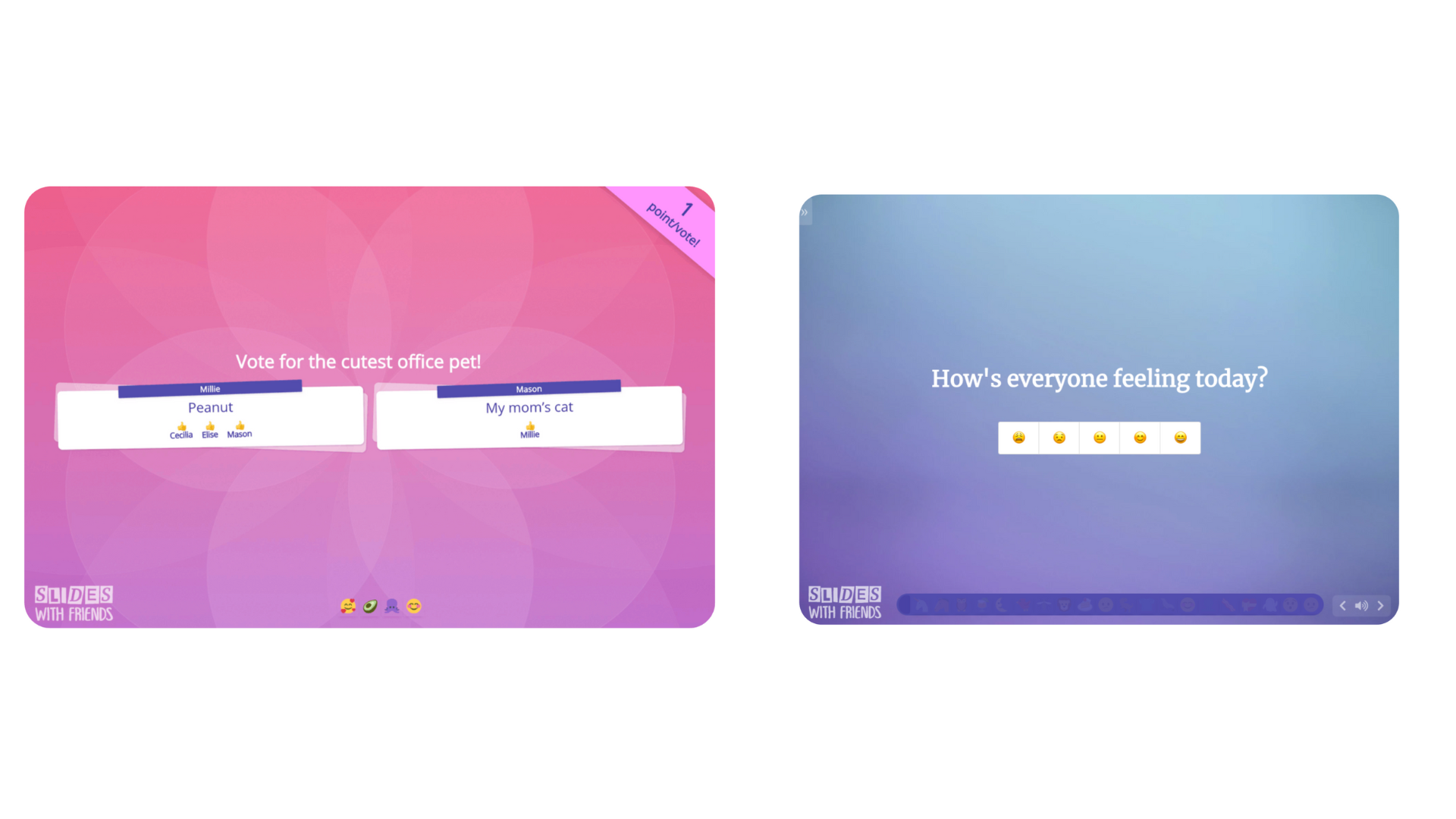
Easy to use and share
Slides with Friends stands out among online meeting tools for being straightforward to use. Because it’s cloud-based, it works through any browser without needing to download or install anything.
Users can quickly build interactive slides that include data visualization and infographic design, along with reports, for engaging online events and meetings. To lift audience participation further, ready-to-play game decks provide icebreakers and team-building activities that are ready to go.
Sharing is just as simple: send a link and others can join the session remotely. This makes building slides together across hybrid events effortless.
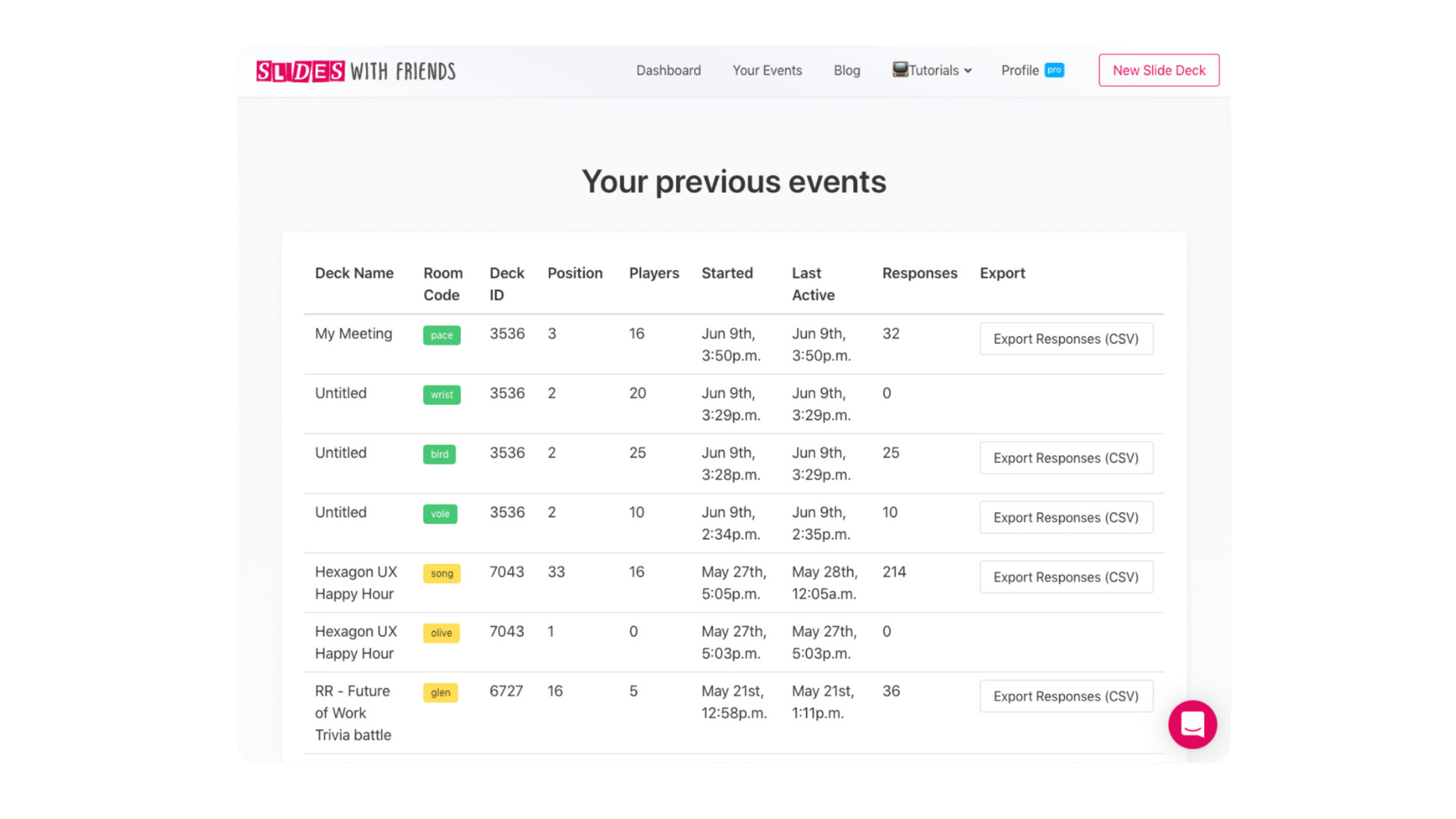
How Slides with Friends Works
Slides With Friends is built for simple, easy group engagement in online events and meetings. Getting started just means creating a slide deck and sharing it with friends or colleagues.
The software’s interactive features make instant feedback and engagement possible during a session.
Simple and delightful group engagement
Slides with Friends makes it easy and enjoyable to bring groups into online events and meetings. Thanks to a straightforward interface, participants can interact with slide decks without friction, which keeps the experience fun for everyone involved.
The software’s interactive elements support collaborative activities, like live quizzes and icebreakers, which build team spirit and a sense of connection among attendees.
Whether it’s a small group meeting or a large virtual event, Slides with Friends offers an effective platform for engaging presentations that keep participants actively involved throughout.
Easy to get started with Slides with Friends
Getting started with Slides with Friends takes just a few steps. Here’s how to begin building interactive slide decks for online events and meetings:
- Sign up for an account on the Slides with Friends website.
- Access the software through your preferred web browser.
- Get familiar with the interface, which is built for simple, intuitive navigation.
- Choose from a variety of templates or start from scratch to design your own unique slide deck.
- Add content such as text, images, videos, and interactive elements to bring your slides to life.
- Customize the layout, fonts, colors, and animations to match your branding or personal style.
- Collaborate with colleagues or friends by inviting them to join your slide deck project in real time.
- Get instant feedback and engagement from participants as they interact with your slides during events or meetings.
Instant feedback and engagement
Slides with Friends offers instant feedback and engagement features that add to the interactive nature of online events and meetings. Participants can take part in real-time quizzes, polls, and discussions to share their input and opinions.
Presenters can quickly gauge how the audience is responding through live feedback, which keeps the session dynamic and engaging for everyone involved. This instant feedback loop encourages interaction, collaboration, and active involvement throughout the presentation or meeting.
Whether it’s a team-building activity or an educational session, Slides with Friends supports immediate engagement and helps participants feel included.
Benefits of Slides with Friends
Slides With Friends offers a set of features that set it apart from other presentation tools. With ready-to-play slide decks and interactive presentation tools, the software is well suited to making online events and meetings more engaging.
Here’s a closer look at how it can improve your virtual gatherings.
Ready-to-play slide decks
Slides with Friends offers a range of ready-to-play slide decks that make it easy to build engaging online events and meetings. These decks are designed to remove the hassle of planning and preparation, so hosts can focus on delivering a memorable experience for their audience.
Whether you need icebreakers for team building, live quizzes for interactive sessions, or classroom games for educational purposes, Slides with Friends covers each case. With these pre-designed slide decks, hosts save time and effort while still delivering an interactive presentation that holds participants’ attention.
The ready-to-play slide decks in Slides with Friends are a fast way to raise the bar on online events and meetings without starting from a blank page.
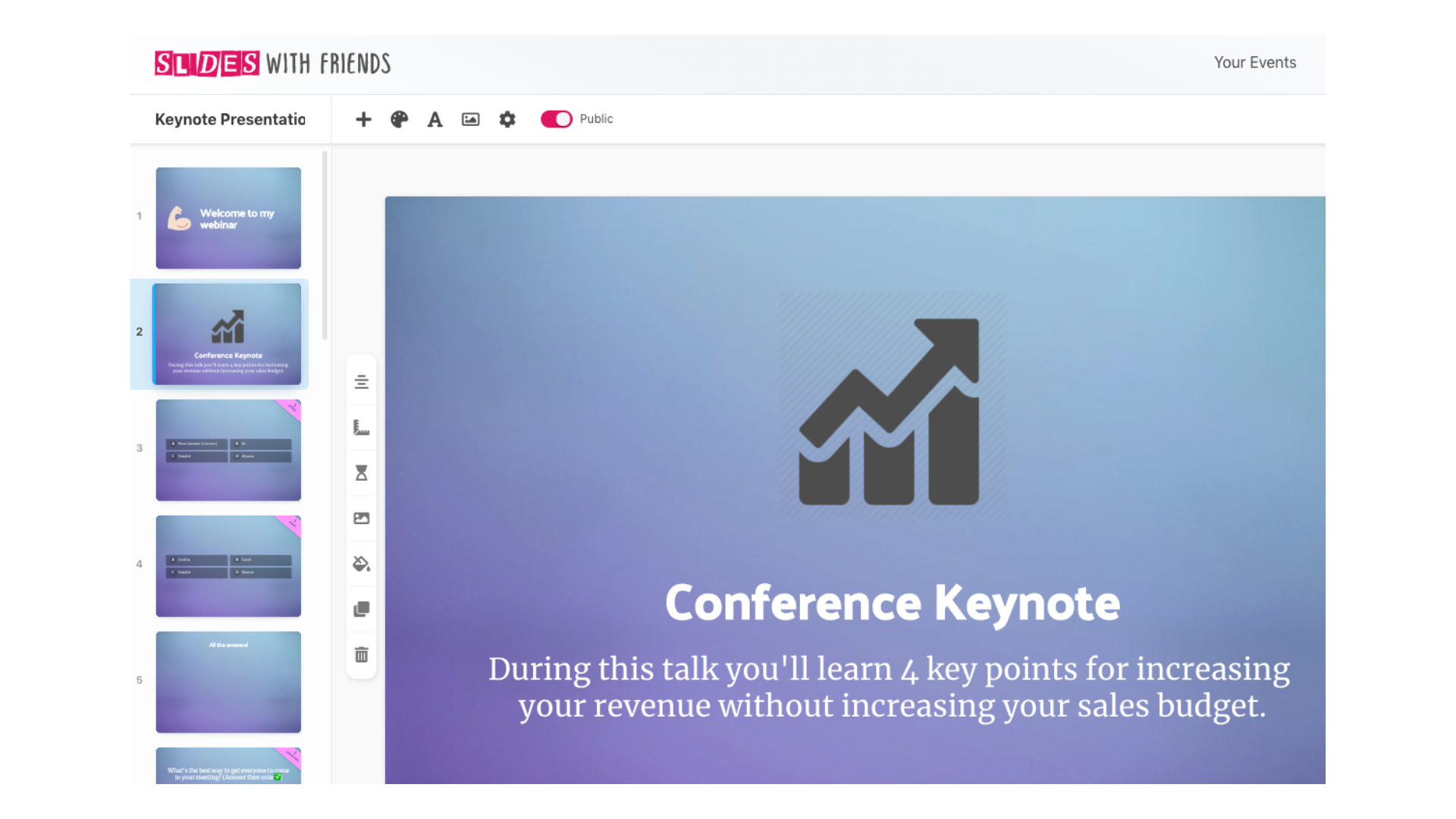
Various use cases
Slides with Friends has a wide range of use cases, which makes it suitable for different types of events and meetings. Here are some ways the software can be used:
| Use Case | Description |
|---|---|
| Company Meetings | Enhance engagement and interactivity during meetings or updates. |
| Remote Events | Create engaging presentations for virtual conferences, webinars, or workshops. |
| Classroom Games | Design fun and interactive games and activities for students. |
| Team Building Activities | Facilitate bonding exercises and icebreakers during remote sessions. |
| Live Quizzes | Make exciting quizzes for events using interactive features. |
| Icebreaker Games for Meetings | Start meetings with positive icebreaker games using ready-to-play decks. |
| Online Community Engagement | Engage your community with interactive presentations and discussions. |
| Collaborative Presentations | Allow team collaboration during presentations for real-time input. |
Slides with Friends Pricing
Slides with Friends offers three pricing plans:
- The Free Plan works well for small groups. It allows up to 10 participants to join an event, includes unlimited slides, and covers basic interaction types.
- The Starter Plan allows up to 50 participants to join your events. Like the Free plan, it offers unlimited slides, so you can prepare as much content as needed. This plan also includes custom event codes, which help organize and manage events more efficiently.
- The Pro Plan lets you choose between 100, 250, or 500 participants for your events. It still includes unlimited slides, plus advanced features like branding options that let you add your logo and custom background images. The Pro plan also provides detailed reports and the ability to export data.
| Plan | Price | Key Features |
|---|---|---|
| Free | Free | All interaction slides Custom fonts & design |
| Starter | $8/month (billed annually) | Unlimited slides & events Interaction types Custom fonts & design Custom event codes |
| Pro | $16/month (billed annually) | Remove SlidesWith Logo Add your own branding Import from PowerPoint Export event results & data Everything from Starter |
Slides with Friends Alternatives
Alternatives to Slides with Friends include Mentimeter, Slido, and Kahoot!.
| Alternative | Price | Key Features | Best For |
|---|---|---|---|
| Mentimeter | Start at $11.99/month (biller annually), free plan available | Interactive presentations, polls, quizzes. | Engaging audiences in real-time |
| Slido | Start at $12.5/month (biller annually), free plan available | Q&A sessions, polls, live chat. | Enhancing audience interaction during events |
| Kahoot! | Start at $10/month (biller annually), free plan available | Fun quizzes, game-based learning. | Making learning enjoyable and interactive |
Slides with Friends vs. Mentimeter
Mentimeter offers interactive presentations with features like polls and quizzes, which makes it a strong fit for engaging audiences in real time. Slides with Friends focuses on easy slide creation and participation, while Mentimeter leans more into audience interaction itself.
Slides with Friends vs. Slido
Slido specializes in Q&A sessions, polls, and live chat during events. Slides with Friends is strong for creating and sharing slides, but Slido takes the lead when the priority is engagement through questions and feedback.
Slides with Friends vs. Kahoot!
Kahoot! is well known for fun quizzes and game-based learning. Slides with Friends offers an easy presentation tool, while Kahoot leans into games and competition to make learning exciting.
Pros & Cons of Slides with Friends
| Pros | Cons |
|---|---|
| Easy to use interface | Limited features in the free version |
| Customizable slides and branding | Requires internet connection to use |
| Interactive tools for audience engagement | Limited customer options |
| Free plans available | |
| Supports multiple slide types |
Pros of Slides with Friends:
- Easy to use interface: Slides with Friends makes it simple for anyone to create and share presentations. Users can quickly learn how to navigate the app.
- Free plan available: You can use Slides with Friends at no cost, a solid option for individuals or teams who want a presentation tool without a financial commitment.
- Interactive tools: The platform offers features like polls, quizzes, and interactive slides, letting presenters engage their audience actively.
- Supports multiple slide types: Users can create different types of slides, such as title slides, content slides, and multiple-choice questions, allowing for creative presentations tailored to specific events.
Slides with Friends is well suited for events, making it easy to host engaging activities, presentations, and discussions in one place, without needing separate tools for polling, quizzes, and slides.
Cons of Slides with Friends:
- Limited customer options: While presentations are easy to create, the customization features may be limited compared to other tools. Users may find fewer options for personalizing their slides.
- Limited features in the free version: Users on the free plan may find that some features, such as advanced analytics or custom branding, are unavailable unless they upgrade to a paid plan.
- Requires internet connection to use: Accessing all features requires a stable internet connection, which can be a limitation in areas with poor connectivity.
Conclusion
Slides with Friends gives you a straightforward way to build interactive slides and improve online events and meetings. It helps engage your audience, spark discussion, and encourage collaboration through an easy-to-use platform.
Adding icebreaker games, live quizzes, and other interactive features can make presentations stand out. Bringing these tools into your virtual meetings can improve attention and encourage active participation from everyone involved, turning a passive audience into active contributors.
(Image Source: Slides with Friends)
Frequently Asked Questions
Is Slides with Friends easy to use for creating interactive slides?
Yes, Slides with Friends is user-friendly and intuitive, making it easy for anyone to create interactive slides for engaging online events and meetings.
Can I collaborate with others while using Slides with Friends?
Absolutely! Slides with Friends allows you to collaborate with others in real time, making it ideal for group projects or brainstorming sessions during online events and meetings.
What types of interactive features can I add to my slides using Slides with Friends?
With Slides with Friends, you can add various interactive features such as polls, quizzes, chat boxes, and multimedia elements like videos or audio clips to make your slides more engaging and interactive.
Can I customize the design of my slides in Slides with Friends?
Yes, you have full control over the design of your slides in Slides with Friends. You can choose from a range of templates or customize the colors, fonts, backgrounds, and layouts according to your preferences.
Does Slides with Friends offer technical support if I encounter any issues while using it?
Absolutely! Slides with Friends offers technical support through their customer service team who can assist you with any issues or questions that arise during your use of the software.
